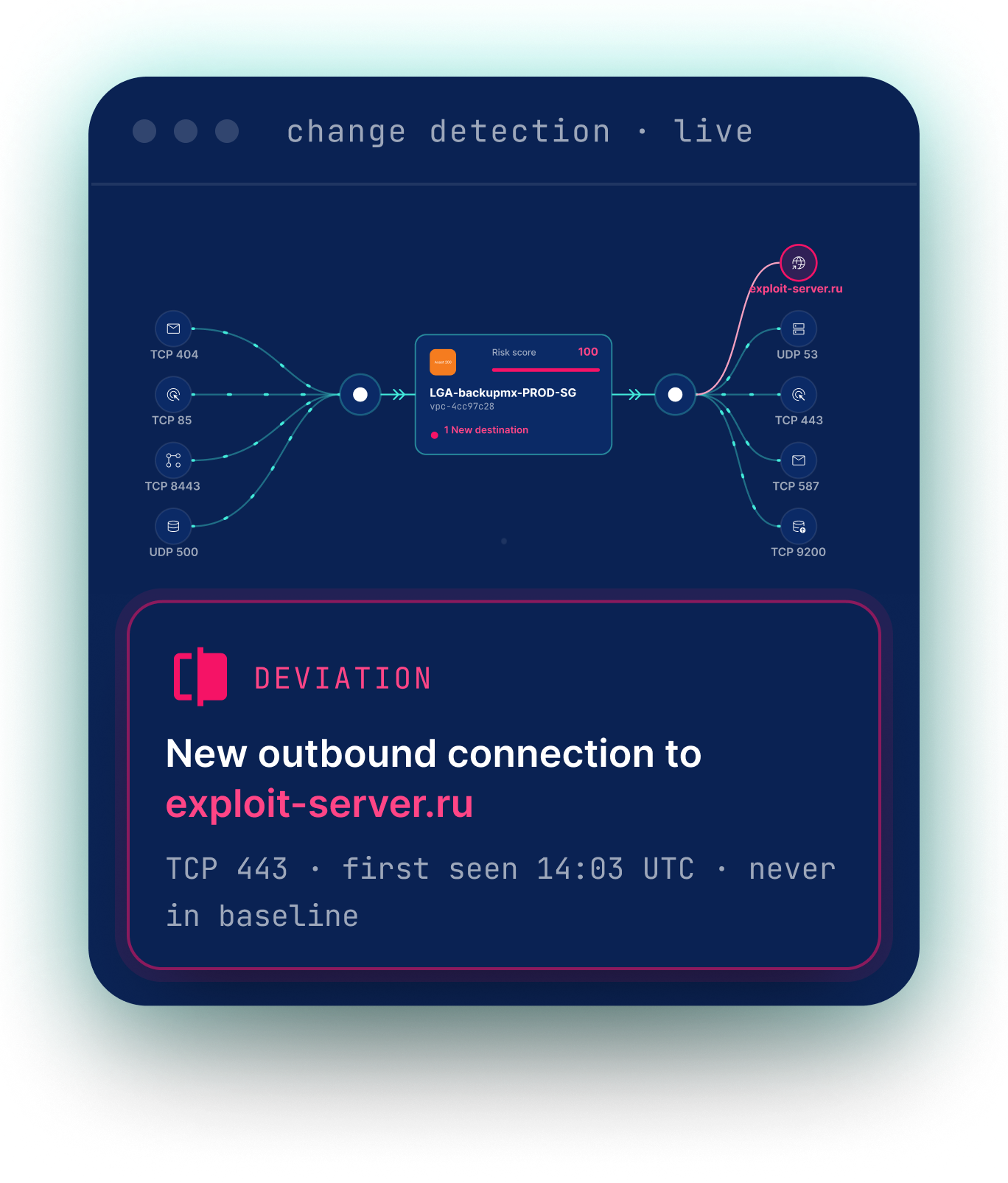
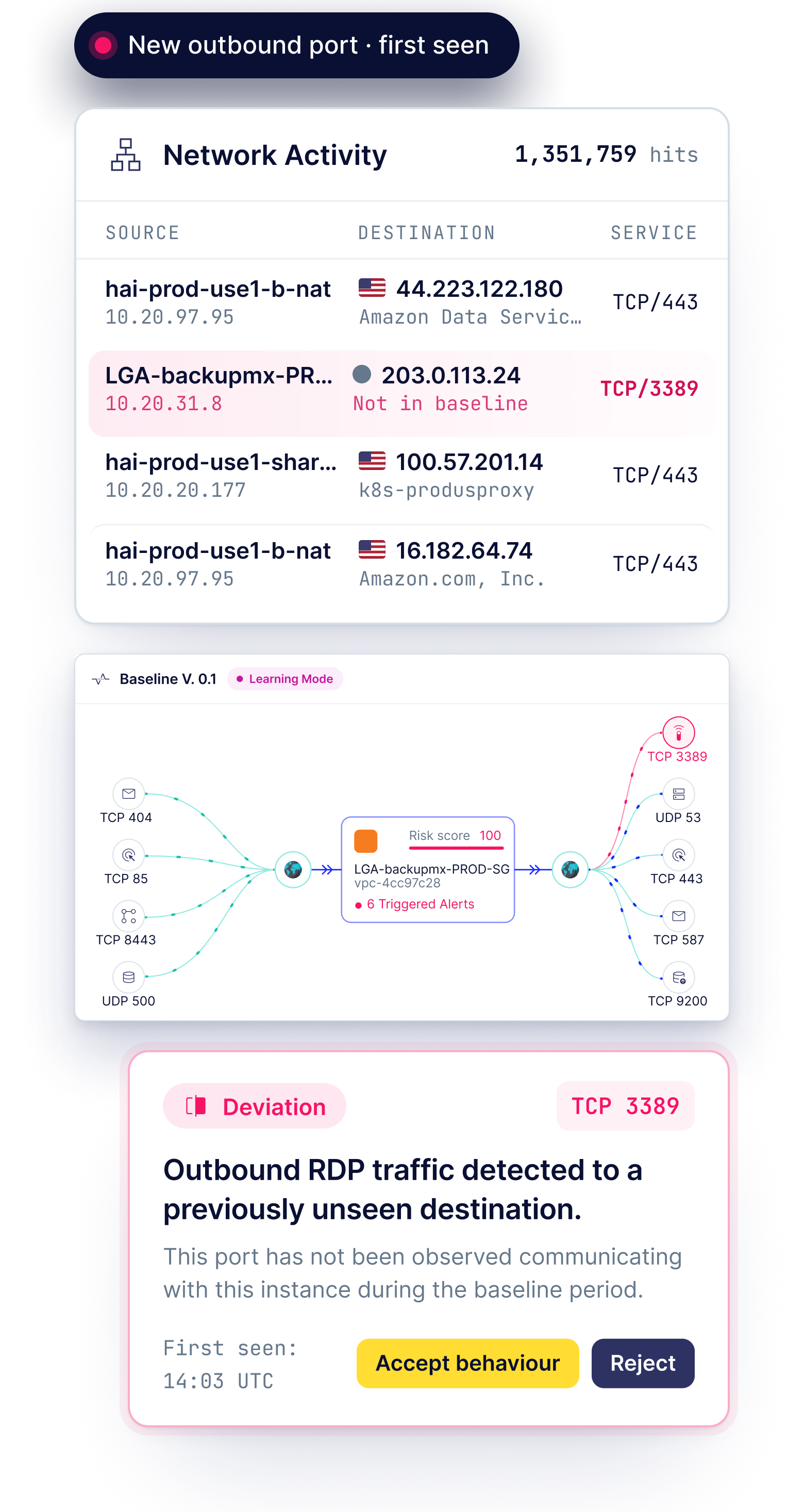

Cloud security has spent years controlling what can get in. What about what gets out?

Most teams know what is exposed in their cloud, but struggle to answer a simple question: where are our workloads actually connecting out to?

CloudFence gives you visibility and control over workload communications without agents, firewall VMs or forcing traffic through an inspection point.

Brendan P.
Director of DevSecOps, Customer Engagement Technology company
CloudFence fills a unique gap in cloud security. Getting real visibility into cloud network communications has always been difficult. CloudFence gives us that visibility, while also learning the normal behavior of each workload so we can detect when something changes. They combine that with identity behavior monitoring which is especially relevant as AI workloads become more prevalent.
The gap

You controlled the way in. But threats don't always come through the front door.

With supply-chain attacks and compromised identities, threats don't always require an exposed inbound path. What matters is knowing when a workload starts behaving differently and connecting to destinations it never has before.
CSPM and CNAPP find exposure and misconfigurations, but don't establish how each workload normally communicates.
Traditional firewalls provide control, but require traffic redirection and added infrastructure, while still lacking the cloud context to know whether a workload’s communication is expected.

CloudFence takes a different approach.

How it works

No agents. No firewalls.
We use the cloud logs you already have.

1

read-only access

0

VMs or agents

0

traffic routing changes

Step #1

One read-only access. No traffic changes

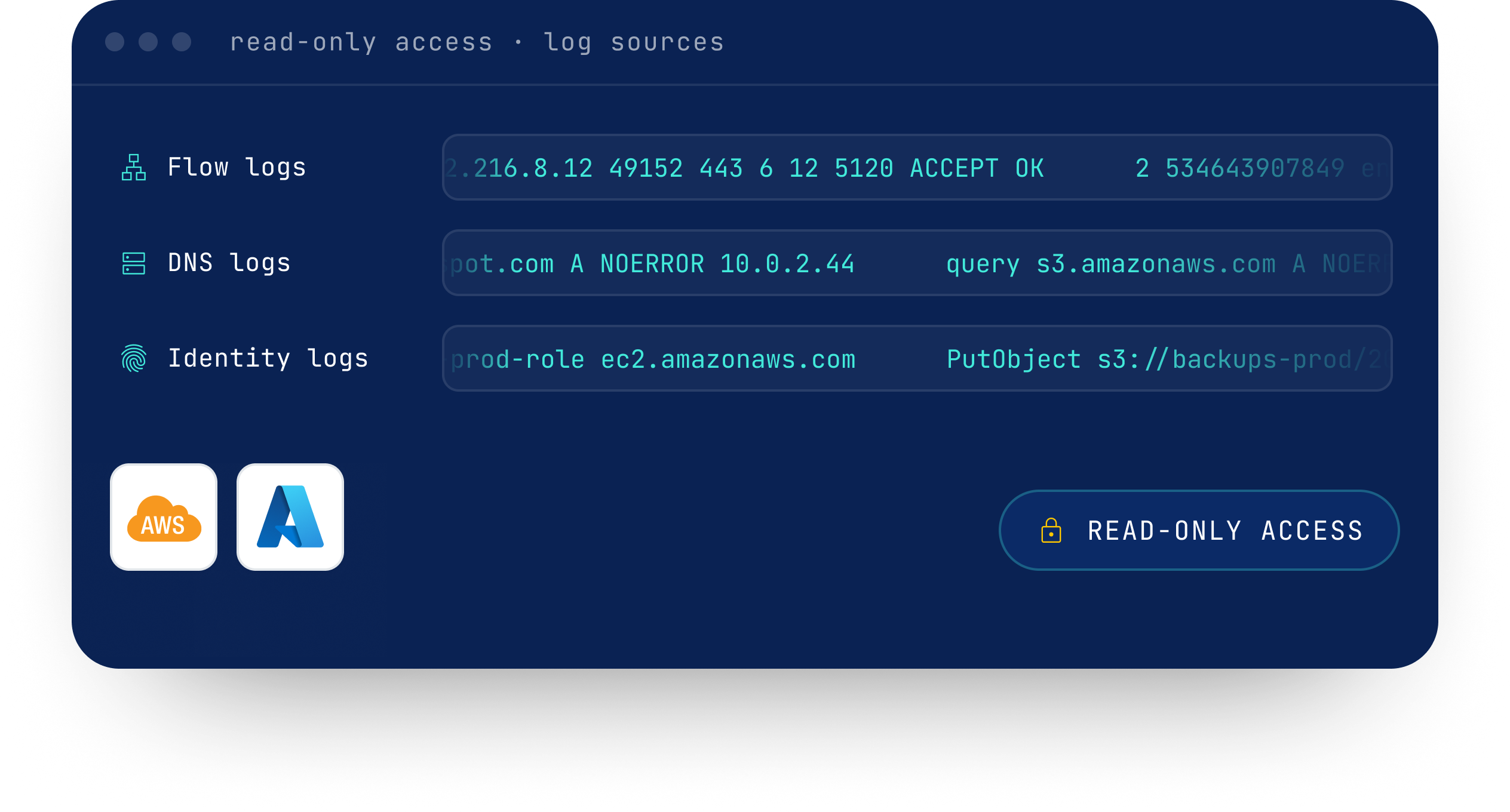
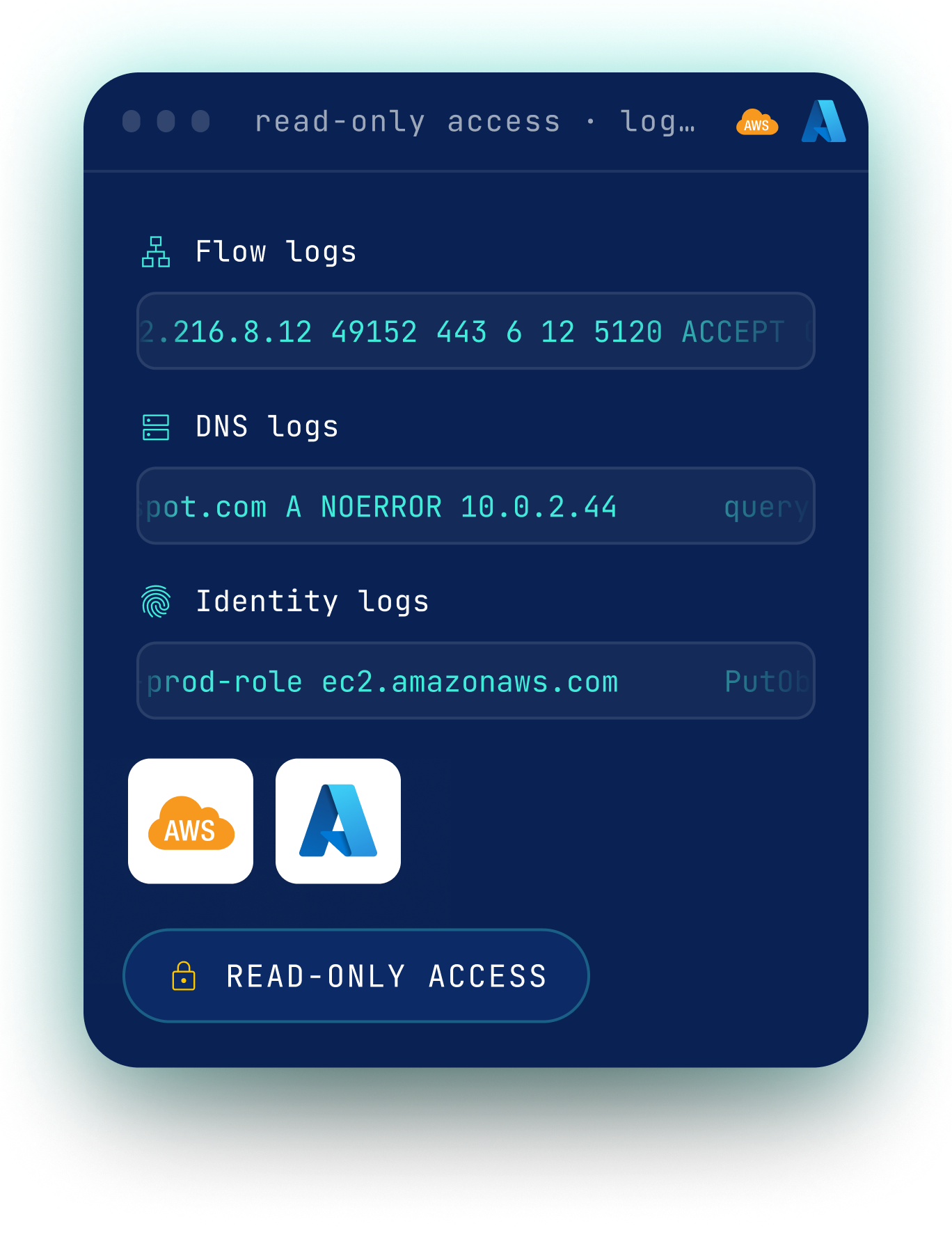
CloudFence connects to your existing cloud network, DNS and identity logs through a read-only access - without changing how your traffic flows.

Step #2

Know every workload by its behavior

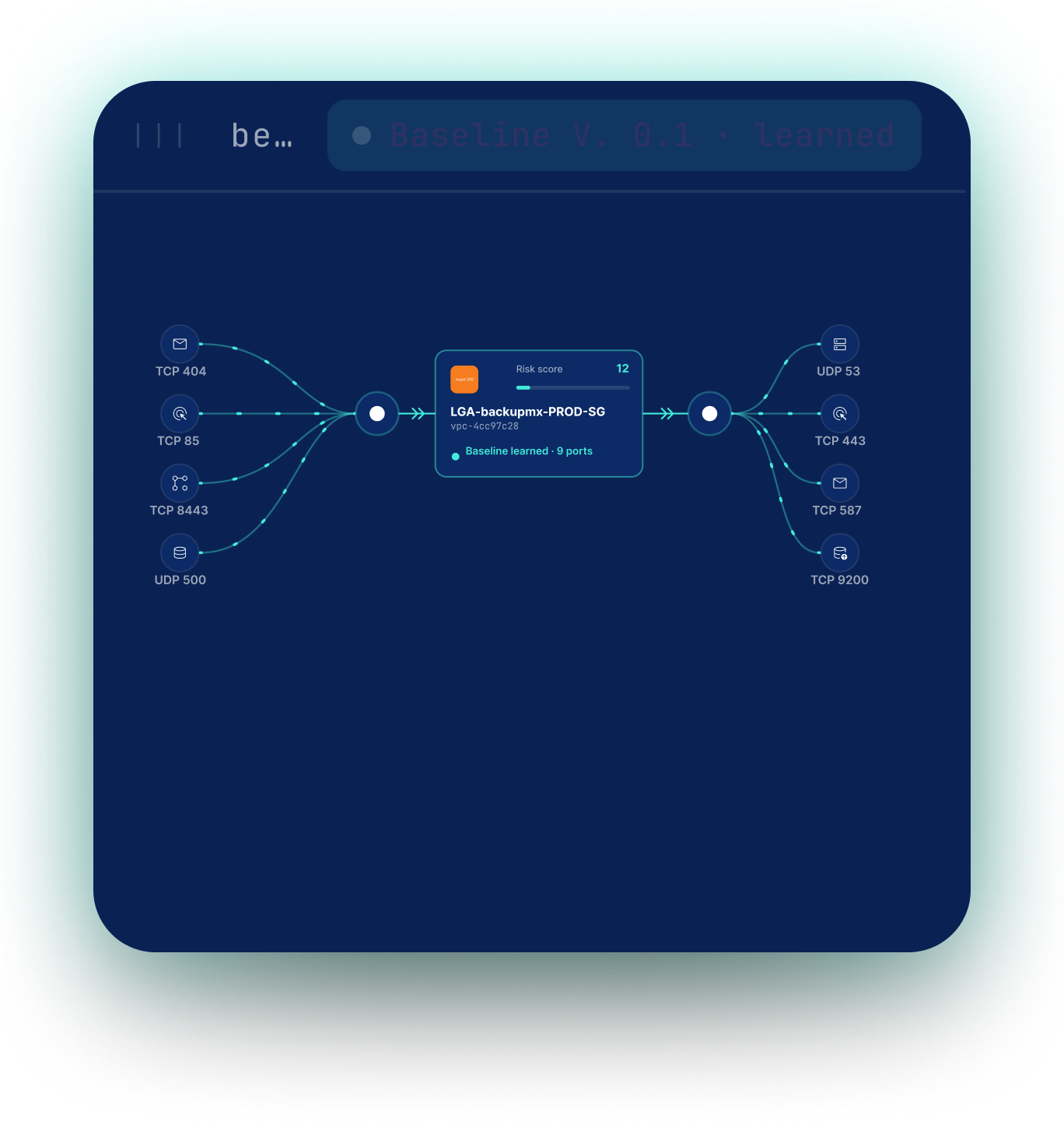
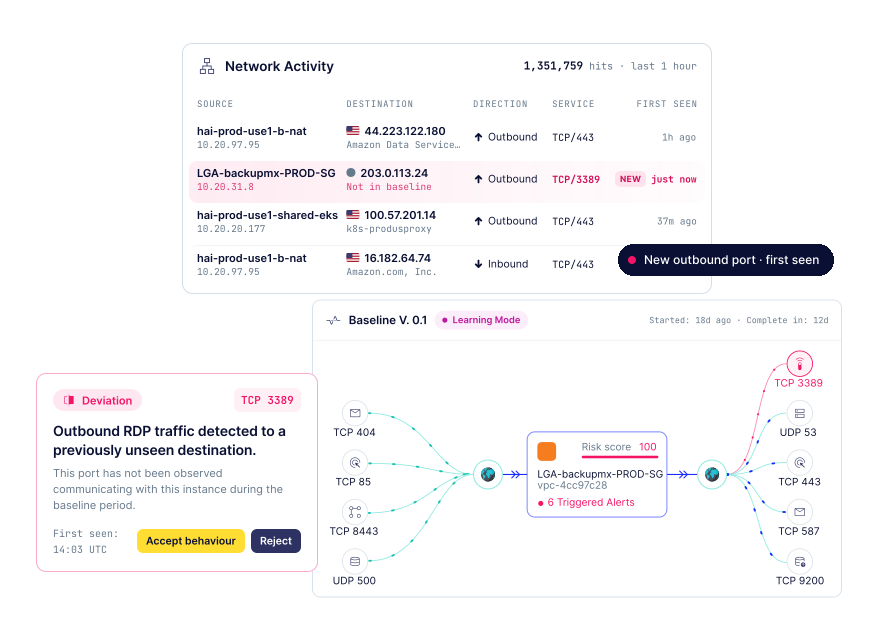
CloudFence turns the raw logs into a behavioral footprint for each workload: who it communicates with, where it connects, the path it takes, and what its identity normally does.

Step #3

Know the moment something changes

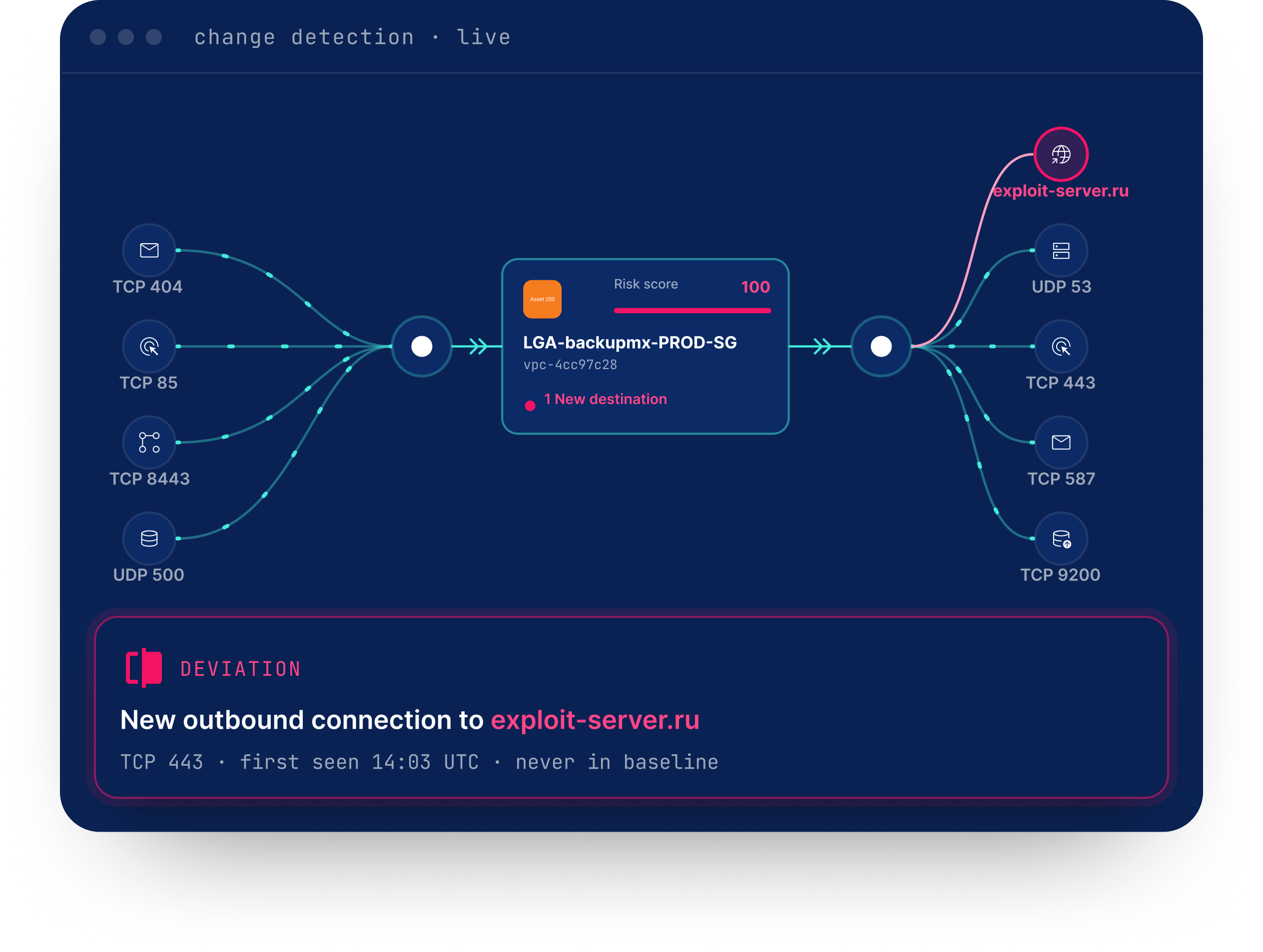
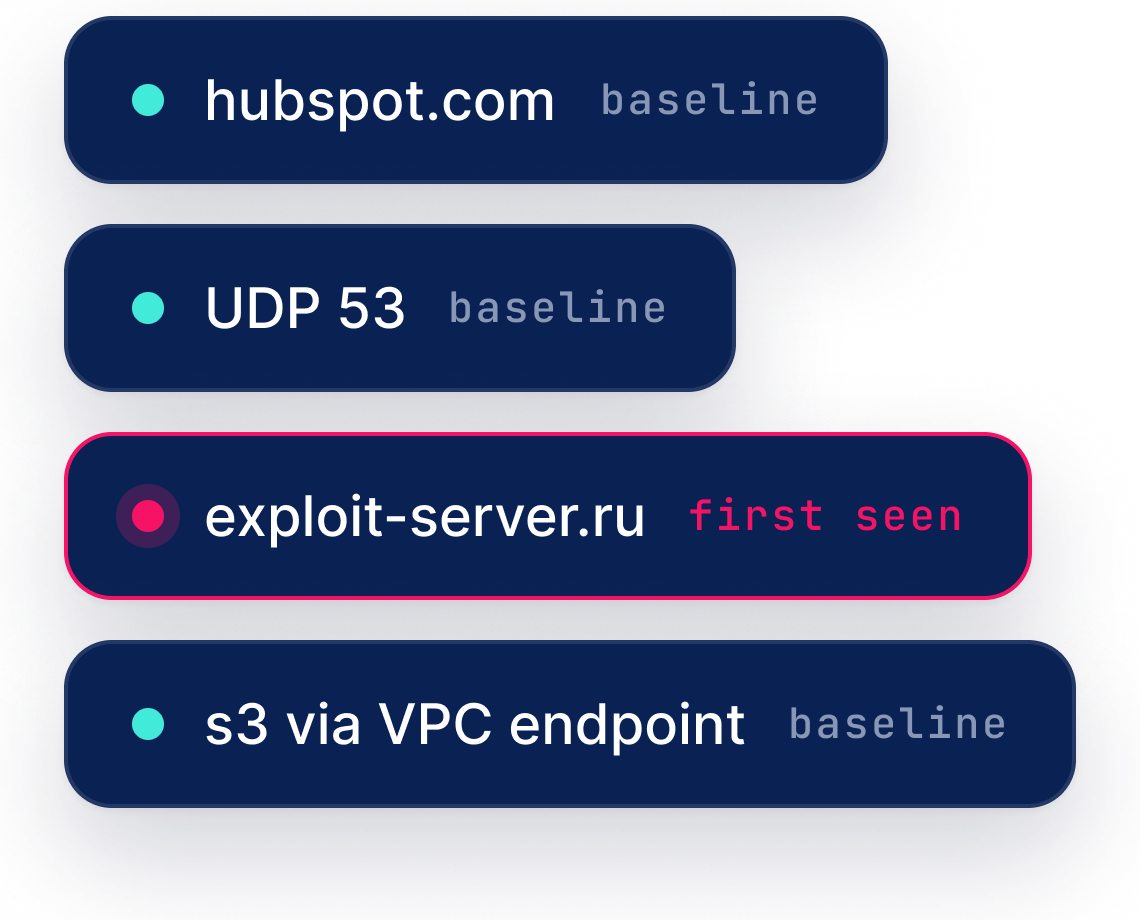
New destination. New communication path. New IAM action. CloudFence detects each change against what's normal for that workload in your environment.

Smarter detection

Less noise. More context around what changed

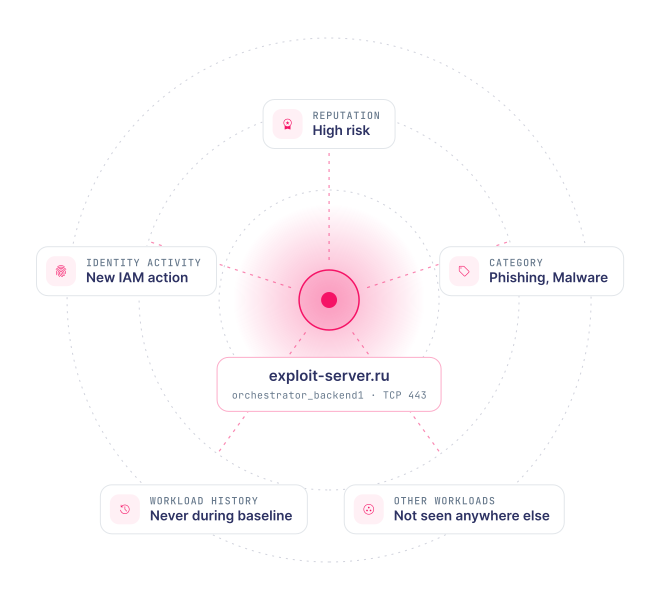
CloudFence evaluates changes against the context around them: the destination's reputation and category, whether it appears across other workloads, the workload's history, and related network and identity activity, to surface only the changes that deserve attention.

What teams are uncovering with CloudFence

Real findings from real cloud environments

Outbound Traffic Control

AI workloads were connecting to destinations the team wasn't aware of

A large healthcare company with a significant cloud footprint across AWS and GCP wanted to understand where its cloud-deployed LLM workloads were communicating. CloudFence surfaced outbound destinations the security team wasn't expecting and aware of.

Healthcare
AWS · GCP
LLM workloads
Network and Identity Behavior Baseline

Staging workloads started communicating with production

While baselining workload communications for an insurance company with ~800 workloads on AWS, CloudFence detected staging workloads unexpectedly communicating with production.

Insurance
~800 workloads
AWS
Network and Identity Behavior Baseline

S3 traffic suddenly took a different path

At a customer running on AWS, workloads normally reached S3 through VPC endpoints. CloudFence detected when some started going through a NAT Gateway instead, the destination hadn’t changed, but the path had.

AWS
VPC endpoint → NAT Gateway
Usage Driven Security Group Cleanup & Least Access

Finding unused access across 8,000+ Security Group rules, automatically

A large technology company needed to understand actual usage across more than 8,000 Security Group rules in AWS and remove unused access. CloudFence maps observed communications against the rules allowing them, and gave the DevSecops team the evidence and the confidence to remove unused rules without causing a single production outage.

Technology
8,000+ rules
AWS
0 outages
Cloud Network Map & Live Traffic Visibility

A workload was bypassing the expected security inspection path

A cybersecurity company running on Azure expected workload traffic to pass through its centralized inspection hub.CloudFence detected a workload connecting directly instead, revealing a communication path the security team wasn’t expecting.

Cybersecurity
Azure
Inspection hub
CloudFence gives us real-time visibility into our cloud network activity and consistently identifies unusual behavior early enough for us to act. Its IAM role behavior analysis also gives us clear insight into access patterns, helping us strengthen our overall security posture.
Nelson W. · Director of Cyber Security, Healthcare company
For years I've talked with people about using VPC flow logs to limit security groups to only used ports on workloads, and finally Mounira REMINI and CloudFence have done it. I suggest checking out their solution if you've got someone dedicated to network and/or identity security in the cloud, they've made things very actionable from a practitioner over categories point of view.
James Berthoty · Founder & Analyst, Latio Tech
With CloudFence, we finally have clear, real-time visibility into our cloud network traffic. It helps us baseline normal activity, spot anomalies early, and close critical blind spots — a vital layer in our cloud security strategy.
Pushpak K. · InfoSec & Cloud Security Manager, Healthcare company
CloudFence gives us a streamlined way to gain network visibility across VPCs and accounts and detect anomalies with added detection rules for what is outside the baseline.
The initial setup was incredibly easy, the CloudFence team assisted with onboarding, and we were up and running in a matter of minutes.
Bryan S. · CTO, MSSP company
FAQ

Questions security teams ask first

01
How is CloudFence different from CSPM or CNAPP?

CSPM and CNAPP focus on misconfigurations and posture especially Ingress. CloudFence focuses on behavioral detection — it learns normal patterns for every workload by looking at network and identity logs, builds baselines, and flags suspicious deviations in real time, especially in outbound traffic. It complements posture tools by catching what static config oriented checks miss.

01
How is CloudFence different from a SIEM?

SIEMs collect and store logs but rely on manual rules and tuning to find threats. CloudFence automatically analyzes network and identity behavior, builds per-workload baselines, and detects unusual activity without rule engineering — delivering fast, focused, actionable detections purpose-built for the cloud.

01
Can CloudFence block traffic?

CloudFence itself focuses on detection and visibility, not inline blocking. However, it can integrate with your cloud controls (like security groups, firewalls ) to automate response actions or trigger blocking through your existing infrastructure.

01
How is pricing structured?

CloudFence charges a flat yearly fee, based on the number of workloads with active interfaces generating traffic. This model provides cost predictability, eliminates surprises, and scales with your actual environment. Integration and hosting are fully managed, and we offer unlimited seats for your security and operations teams.

01
How long does it take to detect a deviation ?

CloudFence starts analyzing communications and activities as soon as logs are connected, and deviations are detected in real time once baselines are established.In most environments, building a baseline takes from hours to a few days, depending on traffic volume and workload behavior.

In parallel, CloudFence’s built-in rule engine can detect known malicious activity immediately, using IP/DNS reputation feeds or custom Guardrails — predefined rules set by the customer to enforce their own security policies (e.g., blocking traffic to specific regions, blocking communication on unapproved ports or to unapproved geographies , or flagging sensitive services).

Want to know where your workloads are connecting?

Move beyond static rules and legacy network appliances in the cloud. Visualize workload communications, control egress traffic, detect behavioral deviations, and remove unused access - all natively from your cloud logs